Login is optional — you can book and track by Service ID without an account.
Meerut · Mohanpuri · shop, on-site & remote support
DATA LOST? PC NOT WORKING? WE CAN HELP.
Professional Data Recovery, Data Backup, Windows Support, PC & Laptop Repair and IT Services.
Diagnosis first. Written assessment. Your approval before any work starts. Serving Meerut and nearby districts — shop drop-off, on-site visits, courier intake and remote support.
Legitimate, ownership-verified help for forgotten Windows logins, PIN issues, local accounts and Microsoft account recovery — never unauthorised access.
Forgotten Windows login assistance (device you own)
Windows PIN / Hello sign-in recovery assistance
Microsoft account recovery guidance (official verification path)
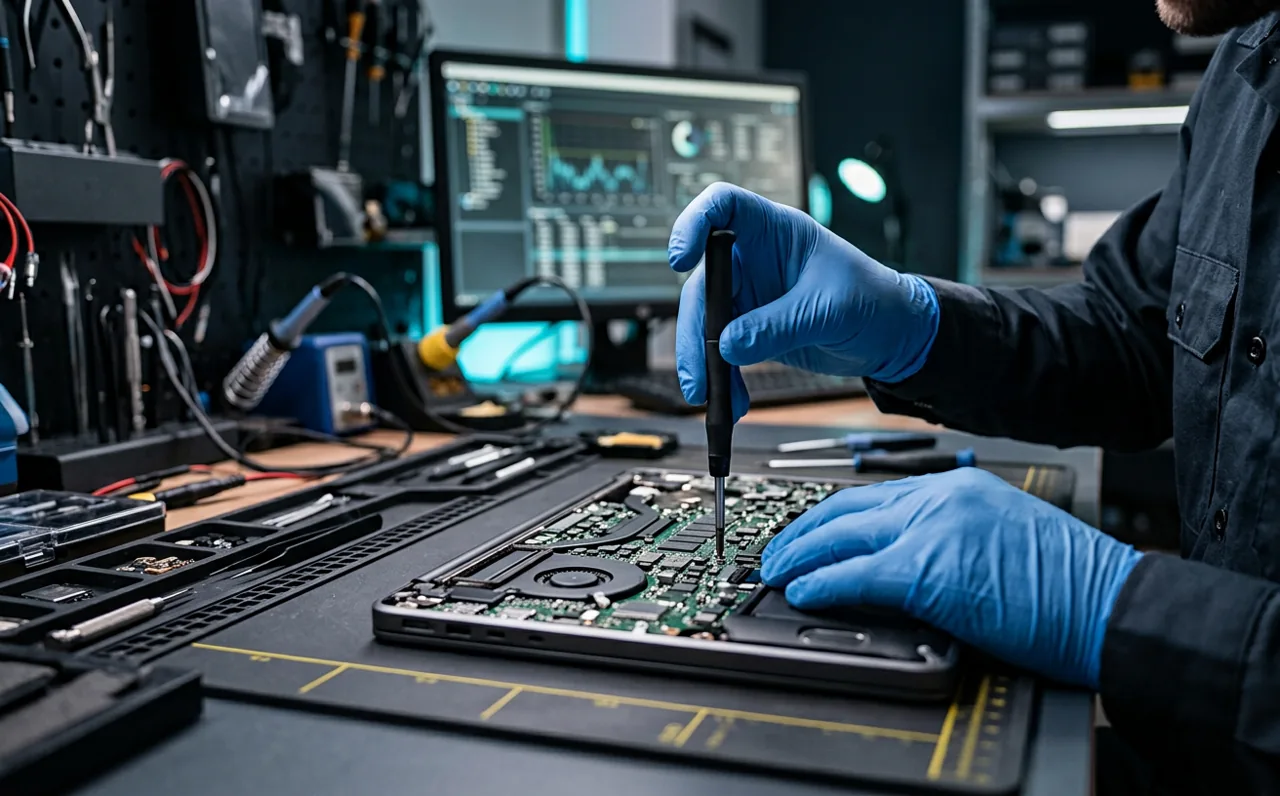
No display, no charging, overheating, noisy fans, keyboard and battery faults, liquid damage, throttling and full teardown service for laptops and desktops.
RAM and SSD upgrades, HDD replacement, battery swap, custom PC build and workstation upgrades — matched to your budget and workload, not to shelf stock.
RAM upgrade (capacity, speed and dual-channel matching)
SSD upgrade — SATA or NVMe, with clone of your existing Windows
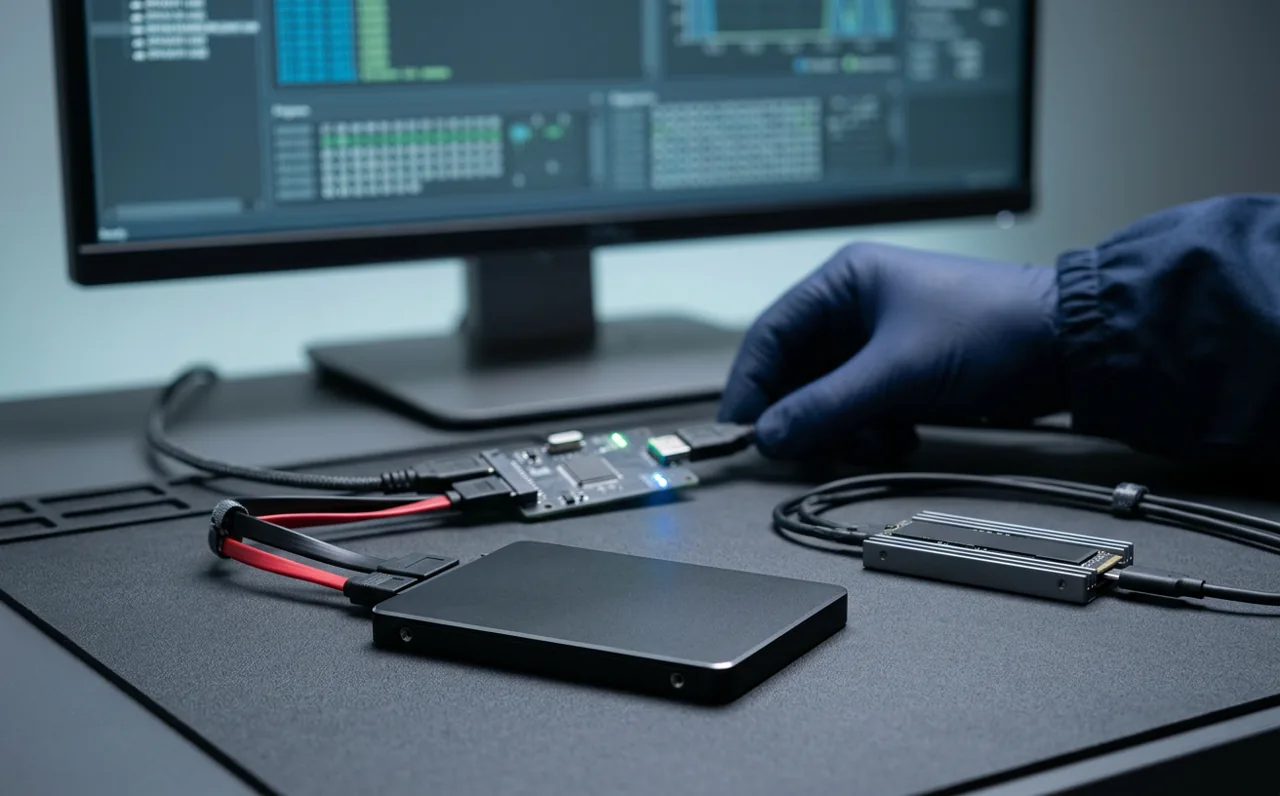
Deleted files, formatted drives, corrupted partitions, dead laptops — HDD, SSD, pendrive, memory card and external drives.
Recovery success depends on the condition of the device, the state of the filesystem, whether the data area has been overwritten, encryption and any physical damage. We assess first, tell you what is realistic, and only proceed with your approval. Data recovery results depend on device condition, filesystem status, physical damage and other technical factors. No recovery result can be guaranteed.
We help the person who owns the device. No hacking, no bypassing security illegally, no access to somebody else’s computer or account — ever.
Authorized Windows login recovery
Forgotten passwords and PIN failures on devices you own, reset on the spot with you present and a record signed off.
Device owner support
Serial/BIOS/Windows ID matched to your ID and ownership proof before any access work starts.
Account recovery assistance
Guidance through Microsoft and other providers’ official verification, recovery contacts and proof-of-ownership flows.
BitLocker and encryption care
Recovery-key handling and honest advice on what encrypted, key-less storage does and does not allow.
Hardening after handover
Strong password setup, recovery e-mail/phone, 2FA and a written note of what was changed.
Clear refusals
No hacking, no credential theft, no "bypass anyone’s password", no access to devices or accounts the customer does not own or represent.
Services are provided only for devices/accounts owned by or legitimately authorized to the customer. Proof of ownership or authorization may be requested.
The same six steps for a pendrive and for a 12-machine office. Nothing starts without your approval.
01
Bring or submit your device
Drop it at the shop, request an on-site visit or courier it. We log it with a photo and a unique Service ID.
02
Initial diagnosis
Non-destructive assessment: drive health, filesystem state, power rails, thermals, logs and error traces.
03
Recovery / repair assessment
You get a written report: what is recoverable or repairable, what the realistic options are, and what each costs.
04
Customer approval
Nothing proceeds until you approve. You can decline and take the device back with no charge beyond the diagnosis fee.
05
Service performed
Recovery, backup, repair, upgrade or cleanup is carried out with status updates you can track online.
06
Testing & delivery
Stress test, data verification with you, handover record, after-service advice and warranty on fitted parts.
Why choose us
What you can expect on every job
Professional service
Job sheets, serial numbers, status records and handover signatures — every device is handled like evidence.
Transparent diagnosis
You are told what we found, in plain language, with the realistic success level — including when it is low.
Customer approval first
No recovery attempt, format or part purchase starts without your written approval of the quoted amount.
Data privacy
Your data is not uploaded anywhere by us, not browsed, and never used for training, marketing or resale.
Secure handling
Devices are stored in a locked area, imaged read-only where required, and returned with a signed record.
Experienced technical support
Years of hands-on work across HDD/SSD faults, Windows boot issues, laptop hardware and small-office networks.
Clear pricing
Indicative rates published, diagnosis quoted, and final price confirmed in writing before any work.
After-service support
Follow-up help on the same job, plus backup planning so the same failure does not come back next year.
0
Service categories
One team for recovery, repair and IT
0 steps
Documented process
Diagnosis → approval → delivery
0
Storage types handled
HDD, SSD, NVMe, cards, pendrives, NAS
0 hrs
Typical diagnosis turnaround
Complex cases take longer and we say so
Pricing
Indicative rates, confirmed after diagnosis
Indicative bands so you can budget before you call. Final numbers come from diagnosis, in writing, with your approval. Prices are indicative and confirmed in writing after diagnosis. Work starts only after you approve the estimate.
Diagnosis & Assessment
Free – ₹499 per device
Physical + logical inspection with a written report before any work is approved.
Device intake with photo + serial log
Drive health / SMART and filesystem check
Power, thermals and boot-path testing
Written assessment: what is possible, what is risky
Costed recommendation, no obligation
Same day – 2 working days
On-site / corporate diagnosis and deep board-level inspection are chargeable; quoted before starting.
Priced by failure category after diagnosis — logical, corrupted filesystem, or hardware-assisted.
Deleted file / formatted drive recovery
HDD · SSD · pendrive · memory card
External drive and dead-PC recovery
Read-only imaging where the drive allows
Delivery on your media + verification
1 – 7 working days
No recovery outcome can be guaranteed; we quote only after assessment. "No data – no charge" applies only to defined logical cases and is stated in writing.
The questions people actually ask before handing over a drive or a laptop.
How long does recovery take?
Logically healthy drives with deleted or formatted data are commonly 1–3 working days. Physically damaged drives, encrypted volumes and large business volumes take longer — imaging a single failing drive can run for a day or more. We tell you the expected window after diagnosis and update the status as it moves.
Data Recovery
Can deleted files be recovered?
Frequently, if the storage area has not been overwritten. The sooner you stop using the device, the better. On SSDs, TRIM may have already discarded the blocks permanently, which is why an honest assessment matters more than an optimistic promise.
Data Recovery
Can formatted drives be recovered?
Quick formats usually leave file content intact and recovery success is often good. Full formats, re-partitioning followed by writing new data, or secure-erase on SSDs are very different cases. We check the filesystem state before committing to anything.
Data Recovery
Can damaged HDDs be recovered?
It depends on the type of damage. Clicking, beeping or a drive that does not spin up indicates mechanical failure; that is higher risk and quoted separately after inspection. Drives exposed to fire, flood or severe shock are assessed individually, and we will say when the chance is too low to spend your money.
Data Recovery
Can data be recovered from a dead laptop?
Usually yes. When the machine will not power on, the storage drive is normally still readable — we extract it, connect it in a controlled way and recover the data. If the SSD is soldered to the dead board, the work becomes board-level repair and that is explained before you approve.
Data Recovery
How should I bring a damaged drive?
Power it off and leave it off. Remove it from the enclosure if that is easy and safe, wrap it anti-static (a paper envelope inside a box works), pad it against shock, write your name and contact number on a paper and put it with the drive. Do not open the sealed drive housing, and do not try freezing or hitting it.
Data Recovery
Is data recovery guaranteed?
No. Recovery success depends on device condition, filesystem status, overwrite level, encryption and physical damage. Anyone who promises 100% is guessing. What we guarantee is process: honest diagnosis, your approval before work, secure handling and full transparency on cost.
Data Recovery
How is my data protected during the service?
We work on read-only images where the device allows it, we do not upload your files anywhere, we do not browse personal content, and access is limited to the technician handling your job. Recovered data is delivered to you on your media or encrypted transfer, then deleted from our working storage after your confirmed handover and a short grace period.
Security & Privacy
What proof is required for password/account recovery?
Only legitimate, ownership-verified help is provided. We require a photo ID plus one ownership proof (purchase bill, box with matching serial, warranty record, or a written employer authorisation on letterhead) and we record it in the job sheet. Microsoft/Google/Apple account recovery must go through the provider’s official verification; we do not bypass it.
Password Assistance
Can you transfer data to a new PC?
Yes — that is one of our most common jobs. We migrate user profiles, documents, desktop, browser data and passwords (via export), mail stores, WhatsApp/backup folders, and business application data, then reinstall and configure your applications and verify the count/checksums with you.